
What you’ll find inside
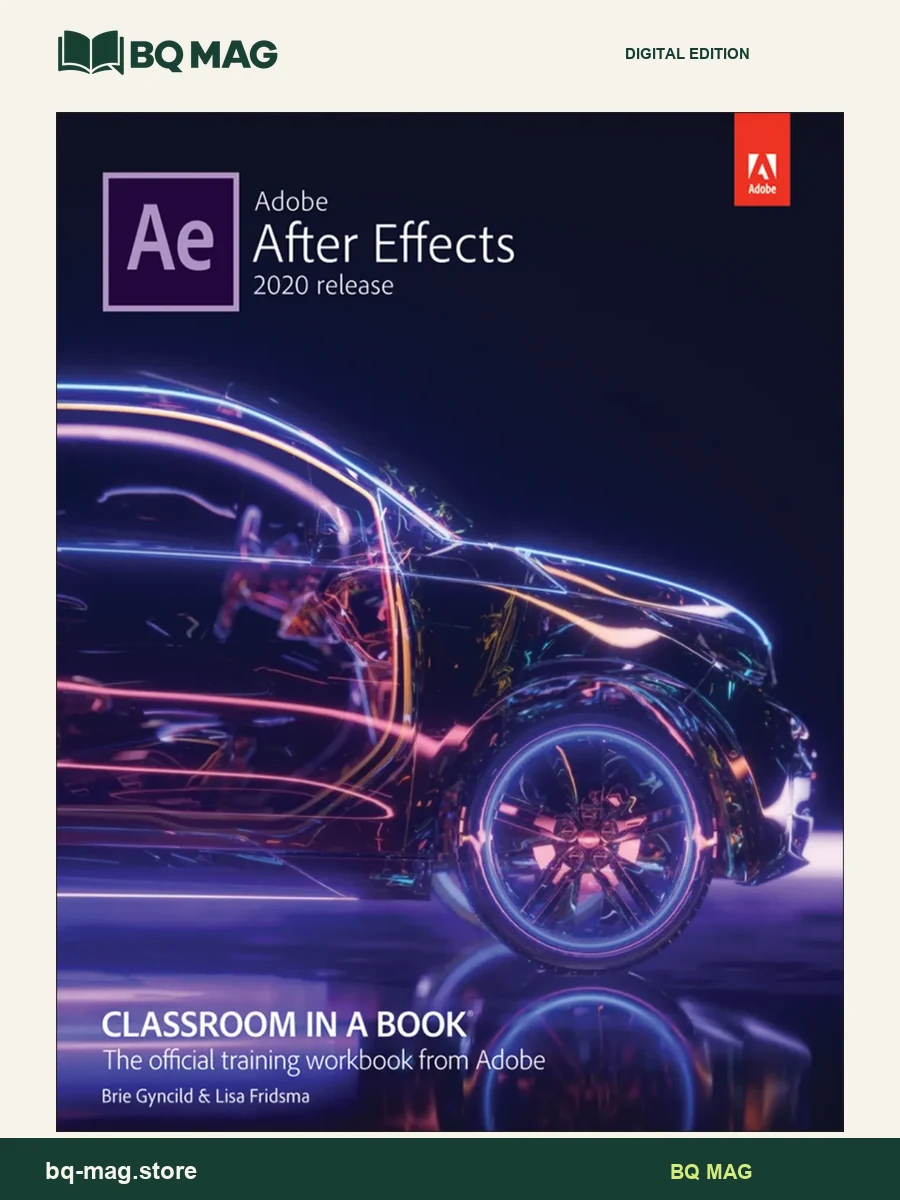
Adobe After Effects Classroom in a Book (2020 release) by Lisa Fridsma and Brie Gyncild teaches motion graphics and visual-effects workflows through a series of project-based lessons. The version year matters: the examples and interface refer to the 2020 release of After Effects, so readers should compare it with the software version required for a class or project.
Build skills through 15 lessons
The lessons progress from the After Effects workflow into animation with effects and presets, text and shape layers. Further projects introduce masks, Puppet tools, Roto Brush, color correction and motion-graphics templates. The later sequence covers 3D features, camera tracking, advanced editing and rendering. This structure gives learners practice with a range of tasks while showing how individual techniques fit into a finished composition.
Plan a project-based study path
Students can work through the chapters in order, using each project to practice a particular animation or compositing skill. Readers with some experience may instead use the contents to locate a topic such as masks, text animation or output. The lesson format can support a class assignment or a personal learning plan, provided the installed software matches the release described by the book.
Who may choose this release
This title may suit video students, motion-design learners and creative professionals who want a structured introduction to After Effects 2020. It is version-specific, so it should not be treated as a guide to every current feature or a substitute for software documentation. Adobe After Effects software is separate from the book file.
PDF format and preview
The listing provides the supplied PDF and four sample images so you can inspect its page layout before choosing. This listing is for the PDF ebook. Online lesson assets, the Web Edition, quizzes and other publisher extras are included only when specifically listed with the download.
Browse more arts, design & communication ebooks or return to the ebook catalog.
ISBN and edition details
ISBN for this edition (reference): 9780136411871
This identifier belongs to a published version of the matching title/edition. A format-specific ISBN for the supplied PDF has not been independently confirmed.
Independent reader feedback
External reader-rating snapshot: 4.18/5 from 22 Goodreads ratings on AbeBooks / Goodreads edition listing, checked 2026-10-08. This is third-party edition feedback, not a BQ MAG customer review.
Conrad J. Obregon –
Adobe Premiere Pro includes many tools for creating motion graphics and visual effects in film and video. However, if you really are trying to create something beyond standard fare, the Adobe Creative Cloud Suite includes the software After Effects that will allow you to create jazzier stuff. There’s little instinctive about After Effects, so a new user will require a basic introduction. This ebook will do the job, although it will be no easy task because of the complexity of the software. It provides a number of tutorials for the reader to work through that will familiarize you with After Effects’ capabilities. Files can be downloaded from the publisher’s website that can then be used in each of the step-by-step tutorials. If you want to have your titles race across the screen, or to change the background in your shot from your living room to the Grand Canyon or erase that annoying sign or change the name of that restaurant in your video, the authors walk you through the steps involved. They will even tell you how easily After Effects integrates with Premiere Pro. I complained in a review of a previous edition that the After Effects interface was so dense and complicated that when the authors told you to select a certain menu or button it was often difficult to even find the menu or button. That problem is solved because purchase of the dead trees version of the ebook also gives you access to the electronic version. Each section of the electronic ebook starts with a video that covers the following material, almost word for word. (There are tips and notes included in the rest electronic version that are not included either the video or the ebook; they are not essential to learning After Effects but might prove useful to some folks.) These videos show you a screen shot of what’s in the tutorial so it’s much easier to find an obscure button. I’ve become so enamored of the electronic version that I opened both that version and After Effects on my desktop and flipped back and forth by just pressing Alt-Tab on my PC keyboard. No more juggling the ebook on my lap. My only complaint was that sometimes two or three videos appeared in a section. If you opened the later videos full screen for ease of viewing, you were returned to the start of the section when you minimized the video rather than tthe spot you were in before maximizing. Recently added features of After Effects are covered. The lessons covered in the 2019 edition of the ebook appear to be the same as those in the 2020 version. I’ll beat my drum by saying some publisher should consider publishing an ebook that just covers the new and updated features of the software. Even with this ebook, it’s hard to learn to use After Effects well, but this ebook provides a solid foundation. Note: The publisher provided me with a review copy of this ebook at no charge. Read more
Snykers Vera –
Very useful ebook, newest edition..good price
P H Somers –
Got this ebook super quick from . The only issue i have is the images are too dark and blurry. Not like the Russell Chun Animate CC ebooks. For this the ebook should have been a lot cheaper than it was. The only godsend is the online version which comes with the ebook when you register it are slightly better.