
What you’ll find inside
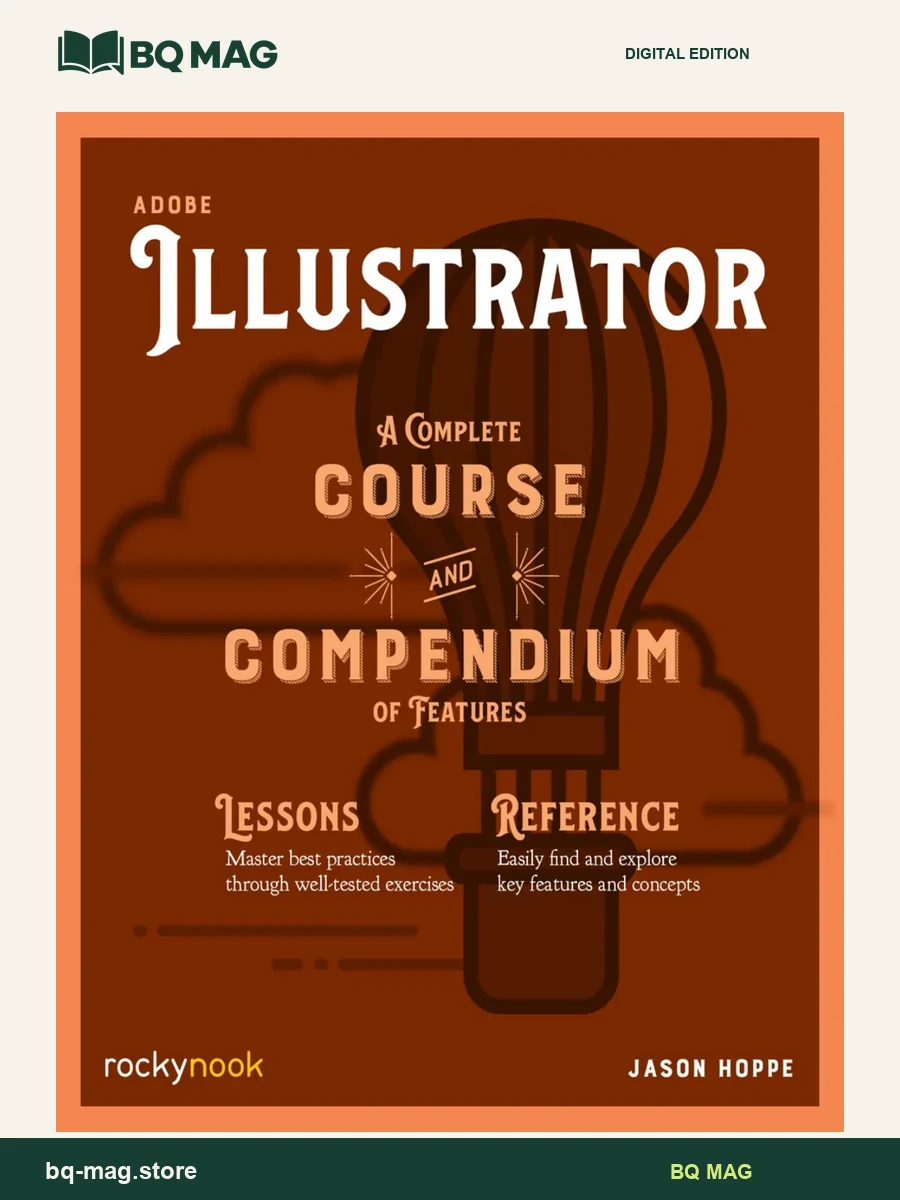
Adobe Illustrator: A Complete Course and Compendium of Features by Jason Hoppe pairs guided design projects with a reference section on Illustrator tools and concepts. The 2020 title is designed for readers who want both a practical path through vector graphics and a structured place to revisit features after the projects are complete.
Learn through a course and reference
The Course section introduces shape and line drawing, color and gradients, building graphics, creating icons, using effects and preparing output. Projects give each technique a practical context, helping learners move from basic forms toward more detailed illustrations. The publisher lists sample activities such as weather icons and a larger outdoor scene, along with files that support the exercises.
The Compendium section then organizes topics for reference, including workspaces and preferences, shape creation, advanced construction, editing and transformations, graphic effects, type, color and output. Cross-referencing between the course and compendium gives readers a planned sequence for learning and a separate structure for looking up a feature later.
That two-part arrangement can help a learner switch between a guided project and a targeted question: follow a lesson when practicing a new tool, then return to the reference section when checking how a feature works. The course may also help readers think about export and output choices for print, web, video or mobile projects.
Who may find this title useful
This book may suit graphic-design students, illustrators and creative learners building confidence with vector artwork. Readers can follow the lessons in order or choose a project that aligns with a current design task. The title is focused on Illustrator; the Adobe application itself is separate from the book file.
PDF format and preview
The listing identifies the supplied file as a PDF and offers four sample images so you can inspect the layout. Rocky Nook lists print, eBook and bundle options separately, so this page does not promise a particular storefront account, download bundle or companion asset unless it is explicitly included with the product.
Browse more arts, design & communication ebooks or return to the ebook catalog.
ISBN and edition details
ISBN for this edition (reference): 9781681985312
This identifier belongs to a published version of the matching title/edition. A format-specific ISBN for the supplied PDF has not been independently confirmed.
JCan1028 –
This ebook not only helps the novice user, it can he used as a great resource tool for experienced users, depending on the type of project you are doing. In fact, this ebook was so helpful, I purchase the same kind of ebook for InDesign, Photoshop, and After Effects.
Kindle Customer –
I’m in school right now for Graphic Design and Web Development. This ebook helped explain things in a step by step way that was easy to understand. I’ll be getting the photoshop one as well.
Kamara Ousseynou –
As a self learner, it’s a great tool to take my graphisme adventure to another level. And it’s great quality by the way, I just love it
Patricia –
Great price and everything was perfect.
Vero –
More for people who do not care reading long text barfly illustrated. This ebook is part of a series to train on Adobe programs and it is a great one, but you need to be motivated. They are good at explaining things and the price for each ebook is really good. I encourage anybody wanting to improve its skills to buy the series. They explain the basics and exercises or projects are great.
Sheila Macd –
This ebook filled a big gap for me as it not only teaches the basics of Illustrator, it is a truly efficient resource for finding any function or tool in the program rapidly. It saves me a great deal of time. I highly recommend it.
Sinned Santos –
Good. Had to buy as a textbook for college class.
T.H –
I have been using this for a while now and I feel like it’s a great introduction to the software. I still have to look up the meaning of some words or buttons. It comes complete with the class materials as well, which are just as easy to follow. I’d recommend this to anyone who’s looking at either refreshing themselves on the software or if you’re completely new to it.
anna.roxby –
The most wanted knowledge in an extremely well organized ebook.
dgabrielle –
This ebook has short project lessons that are easy for high school students to use when learning all the tools that Adobe Illustrator has available.
Tony –
A good way to get into learning Adobe. Some of the instructions can be confusing and take a little longer than they should to figure out. But Google in conjunction with this ebook makes it a good stepping stone.
Anthony J. Rigsby –
I took a class 10 plus years ago on this program and this ebook is explaining the program so much better and shows the more time your on the software the better off you will be.
ChrisM –
Bought as a gift. New owner very happy with the ebook.