
What you’ll find inside
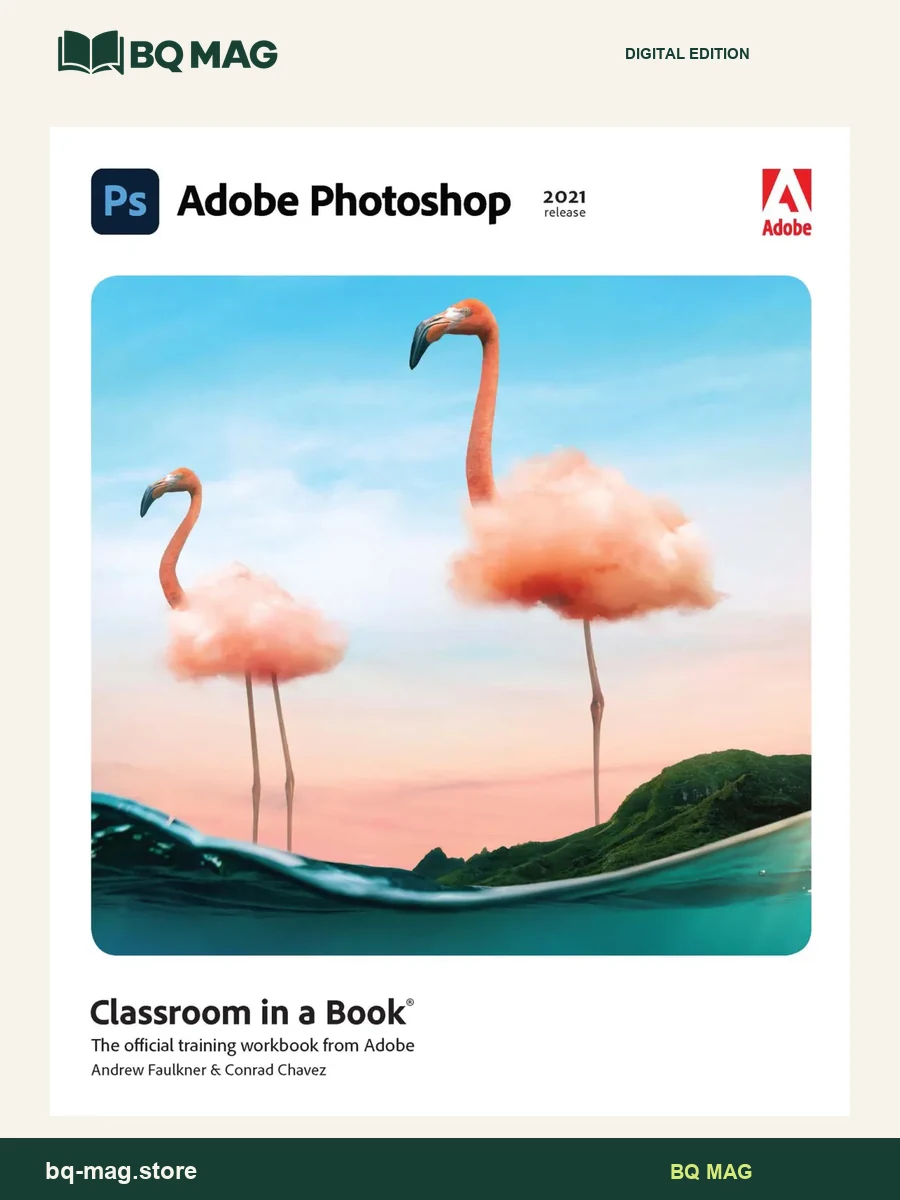
Adobe Photoshop Classroom in a Book (2021 release) by Conrad Chavez and Andrew Faulkner introduces desktop image editing through 15 guided lessons. The projects move from basic corrections and selections to more developed layer-based work, compositing and output. This is a version-specific title for Photoshop 2021, so check the release against a class requirement or the software available to you.
What the 15 lessons cover
The opening chapters introduce the work area, photo corrections, selections and layer basics. Further lessons explore quick fixes, masks and channels, typographic design, vector drawing and advanced compositing. The sequence continues with the Mixer Brush, video editing and Camera Raw, then turns to preparing images for web use, consistent print color and Neural Filters. Together, the lessons offer practice across common image-editing tasks rather than focusing on one tool.
Practice with image-editing workflows
Students can use the projects to practice one technique at a time and observe how selections, layers and masks work together. Photographers and designers may use the contents as a refresher or to find a topic needed for a particular assignment. Because interface labels and tools can change across releases, follow the version named in the listing when comparing instructions with Photoshop.
Who may choose this edition
This book may suit learners taking an introductory Photoshop course, creative students building desktop editing skills and readers who want an organized sequence of exercises. It covers Photoshop for desktop, not the iPad app. Adobe software and companion lesson files are separate unless specifically included with the product.
PDF format and preview
The supplied item is listed as a PDF and comes with four sample images so you can inspect its page layout before choosing. Peachpit distinguishes the Book product from its eBook. The file description here does not promise Web Edition access, lesson assets, videos or any other publisher account feature unless it is explicitly listed with the download.
Browse more arts, design & communication ebooks or return to the ebook catalog.
ISBN and edition details
ISBN for this edition (reference): 9780136904731
This identifier belongs to a published version of the matching title/edition. A format-specific ISBN for the supplied PDF has not been independently confirmed.

RICARDO IBARRA –
Buen Photoshop
Xain –
The real deal. I’m on lesson 7, and learning a lot as I go. I started with no knowledge of the program at all. Very comprehensive guide teaches you every step of the way. I can’t say enough good things about how well this guide works.
Fernando –
Estou começando a ler. Mas nos princípios já gostei.
Jesse C Potter –
Starts at the basics and teaches step by step in easy follow steps. Great course, learning what I wanted to know. You can do the lessons over and over to practice what you are learning. You can also experiment with different ways to achieve the results.
PenguinKaty –
These ebooks are perfectly suitable for a TOTAL novice. If you’re like me and you’re an advanced novice/beginning intermediate, they’re going to mostly just cover stuff you already know. Also, it’s good to understand that these ebooks DO NOT cover anything that you can’t already easily learn from any basic tutorials on YouTube or the Adobe site itself. I originally gave them a 3 star review but that didn’t feel fair so I bumped it up to 4 because they are good for what they are – ebooks for complete beginners. The quality of the ebook and print itself are just fine, no complaints there. I’ll most likely gift all these ebooks to someone who is a little newer than myself.
Michael W McIntire DVM –
I’ve had this ebook about 1 week, and I’m about 25% through it. So far, the explanations, directions, and illustrations have been right on point. In addition, there is a downloadable set of files you can get to work through the specific examples used in the ebook. There is a lot of information to digest, but the ebook keeps it simple and to the point. They even show you additional nuances of the program within a more general topic such as multiple ways to get to the same command through specific key sequences vs tab menus vs contextual screens. I highly recommend this ebook if you want to really learn photoshop.
Wookie –
Great ebook for use with photoshop. Features well explained.
C. E. Campbell –
I have wanted to include Photoshop in my photography workflow for years (I primarily use Lightroom) but struggled with Photoshop’s complexity and steep learning curve. Photoshop Classroom in an Ebook is a great introduction to Photoshop that will encourage you to learn more. While it won’t make you an expert or even an experienced user, it will give you the confidence to try those features that interest you.
Shaniqua –
There are times when I can’t find something and I go back to the text and the picture of it or an explanation of what might be wrong is right there. It’s awesome.
Estela Lozdon –
This is an ebook I recommend to anyone who is willing to learn a new software. Step by step, very clear instructions. I learned so much!