
What you’ll find inside
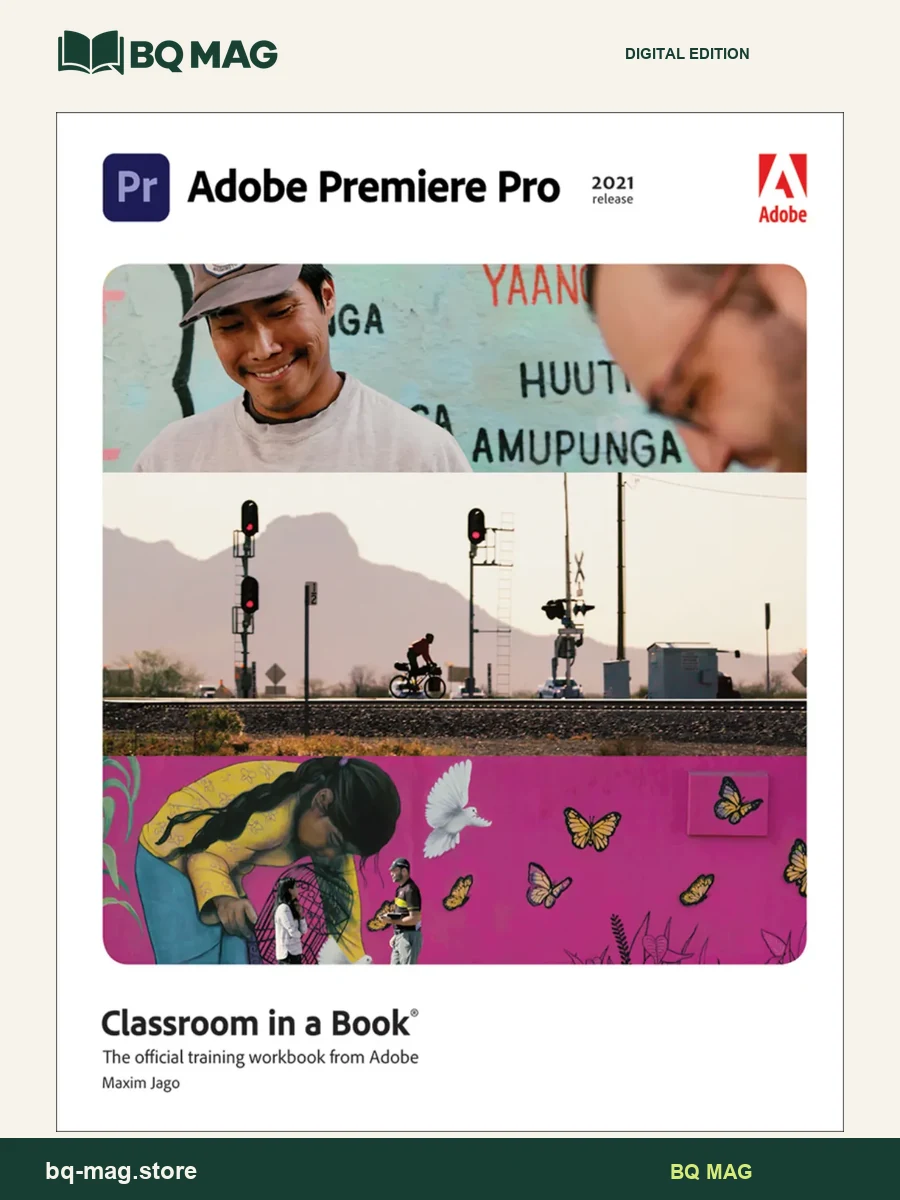
Adobe Premiere Pro Classroom in a Book (2021 release) by Maxim Jago is a guided training workbook for learning the video-editing workflow in Adobe Premiere Pro. Its lesson sequence moves from getting familiar with the application to organizing project materials, shaping a sequence and preparing finished video for export. The step-by-step format is designed for readers who want to follow a structured course or revisit particular editing tasks as they work.
A practical editing pathway
The contents begin with a tour of Premiere Pro and project setup, then cover importing and organizing media. Core editing lessons introduce clips, markers, transitions and more advanced techniques for assembling a sequence. Later lessons turn to motion, editing and mixing audio, improving sound, applying visual effects, correcting and grading color, and exploring compositing. The final topics include creating graphics, exporting frames and sequences, and managing a project. This progression connects individual tools to the broader stages of a video edit.
Who may use this book?
It may suit new editors building familiarity with Premiere Pro as well as creative students who want a reference alongside a video-production course. The organized lessons also let a returning user look up a focused technique instead of working through every chapter in order. The training is tied to the 2021 release, so readers should compare the described interface and workflows with the version of Premiere Pro they use.
What to check before choosing
This listing presents Adobe Premiere Pro Classroom in a Book (2021 release) as a PDF ebook. Four sample images provide a quick look at the page layout before you choose. Compare the title, author and edition with your course or reference list, and check that the file format works with your reading app. Publisher platform access, courseware, access codes and companion resources are included only when specifically stated with this product.
Explore related creative-software titles in the arts, design and communication collection, including Adobe Photoshop Classroom in a Book (2021 release), or return to the ebook catalog.
ISBN and edition details
ISBN for this edition (reference): 9780137280926
This identifier belongs to a published version of the matching title/edition. A format-specific ISBN for the supplied PDF has not been independently confirmed.
Independent reader feedback
External reader-rating snapshot: 4.17/5 from 24 Goodreads ratings on AbeBooks / Goodreads edition listing, checked 2026-10-08. This is third-party edition feedback, not a BQ MAG customer review.
Haroldo Kennedy Clebicar Nogueira –
Apesar da versão do Adobe Premier Pro no livro estar desatualizada, são poucos locais que isso atrapalha o entendimento das lições! Fiz um curso barato na internet e agora leio os detalhes no uso das ferramentas. Estou aproveitando muito o livro! Recomendo!
Antboy –
Great ebook, you have to really want to learn Premiere Pro, stick with the lessons, follow along and you will learn a lot. I like the Classroom in an Ebook series from Adobe. Highly recommend if you are serious about learning the software and are a complete beginner. While it wont teach you everything, it teaches you the principals and the tools to use, the rest is down to your own creativity.
Conrad J. Obregon –
How interesting would it be to read a manual on how to use a screwdriver? Reading a manual on using Adobe Premiere Pro to make a video might be just as interesting, except that Premiere is far more complex than any screwdriver and there are almost always more things you can learn about the software, even if you’ve used it for years. Read this ebook and you should be able to create a video that you will be proud of (or at least, not ashamed of). While the interface with Premiere Pro has logic of its own that you can learn with time, there is nothing intuitive about this film editing software when you first turn it on. That’s where this manual comes in. It’s aimed at teaching a beginner (or someone who needs an intense refresher course) the fundamentals of using the software, from bringing in media to archiving completed material. The chapters are organized with an introduction to a particular activity, like adding, editing and mixing audio for your film or video. Then there are a series of exercises you run through, using files provided to you on the enclosed disk (no complaints about the difficulty of downloading the file from the internet). The author does a good job of explaining this, although, until you are familiar with the interface, it may take a little longer than the suggested time to complete a lesson. You will have to obtain your own copy of Premiere Pro to do this. One of the nice features is that purchase of the ebook also entitles you to the on-line version. I’ve found it particularly helpful to use the online version and switch back and forth on the computer between the on-line text and the program, rather than trying to juggle the ebook while using the computer. I keep the dead-trees version as a reference on a shelf next on my computer to use when I’m editing my own work and can’t remember exactly how to create some effect, like say, adjusting the luminosity of a certain color in a film clip. One complaint I have is that the on-line content for many of the other Classroom in an Ebook manuals includes short videos. It seems strange that an ebook teaching one to make videos hasn’t found a way to use videos. It’s not a complaint but this ebook doesn’t talk about the art of making videos but rather only explains how to use the non-linear editor. One should also understand that this ebook will not make you a master of Premiere Pro. That will take a great deal more experience and research. The chapter on color correction and grading barely scratches the surface. (Hey, Adobe Press, how about a separate ebook for color correction and grading with Premiere!) Most of the content of this ebook has appeared in earlier editions, so if you read one of those recently, you may not find this edition especially useful. It would have been nice to have a reference to the sections that deal with new features to guide the reader. If you are just getting started with Premiere Pro, this is ideal way to learn how to use it. Note: The publisher provided me with a review copy of this ebook at no charge. Read more
Carlos –
The ebook is very informative, if you want to know the why (nuts and bolts) of Adobe Premiere Pro. This is NOT an ebook for people who have a project and need step by step instructions for a basic video.
Anthony Brown –
teaches you everything you need to know
*happygeek* –
Honestly, quite disappointed in this considering the price point. I’ve actually learned more from YouTubers when it comes to getting to grips with Premiere Pro. Your mileage may vary, but I’d certainly suggest taking the free YouTube video tutorial route before purchasing this.